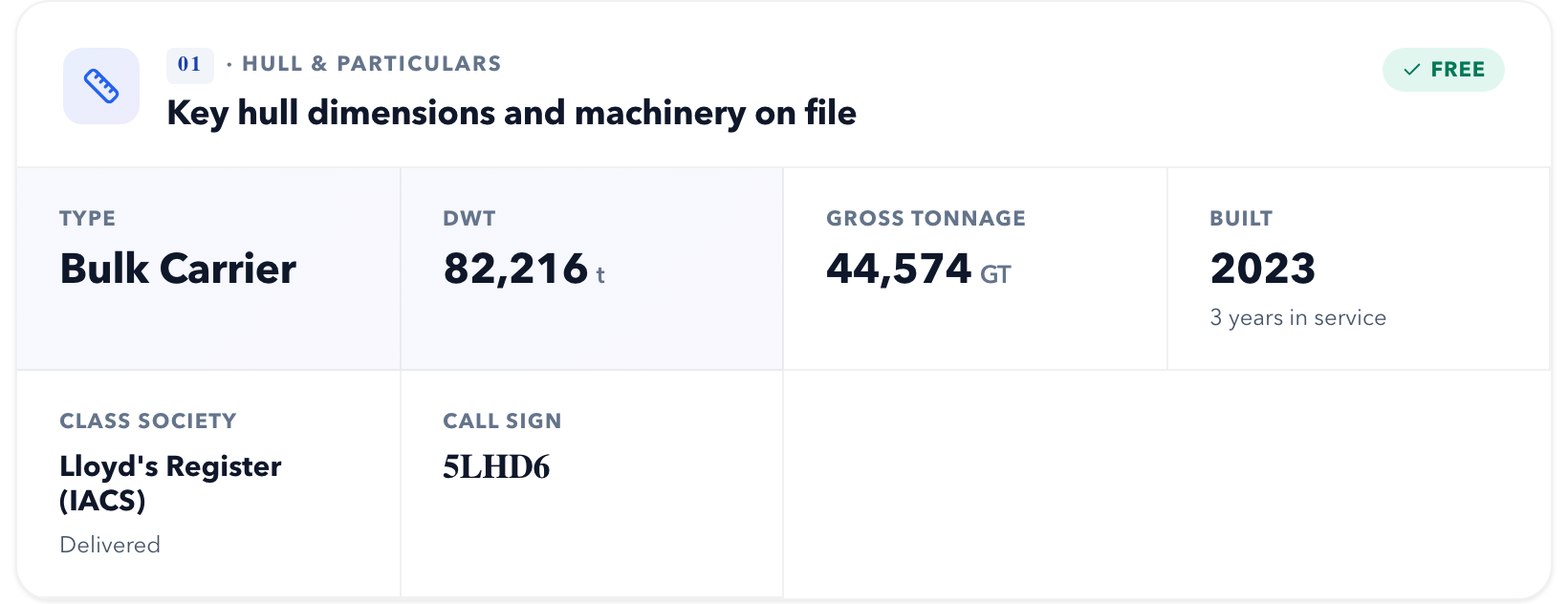
The "Key hull dimensions and machinery on file" block on a vessel page gathers the main registry parameters: type, deadweight, tonnage, year built, class society and call sign. The block is free and visible without signing in.
| Field | Meaning |
|---|---|
| Type | Vessel class: bulk carrier, tanker, container ship and so on |
| DWT | Deadweight in tonnes — how much cargo, fuel and stores the vessel carries |
| Gross tonnage (GT) | The vessel's size for port dues and regulations |
| Year built | With a note of how many years in service |
| Class society | Classification society and the state of the class — e.g. Lloyd's Register (IACS), "In class". What the labels mean — in the article on vessel class |
| Call sign | The vessel's radio call sign |
Where the data exists, the block also shows other fields: length, beam, maximum draught, builder, main engine, class notation and home port. A parameter that is absent from the vessel's registry record is not shown at all — no dash and no guess.
The vessel's identifiers — IMO, MMSI, call sign, flag — sit in the page header, next to the vessel's name.
