Registration on rynda.io takes three steps and about a minute: an email with a code, "you are signing up as", and your role. No documents are needed: a company verifies itself later in the account, if it wants to.
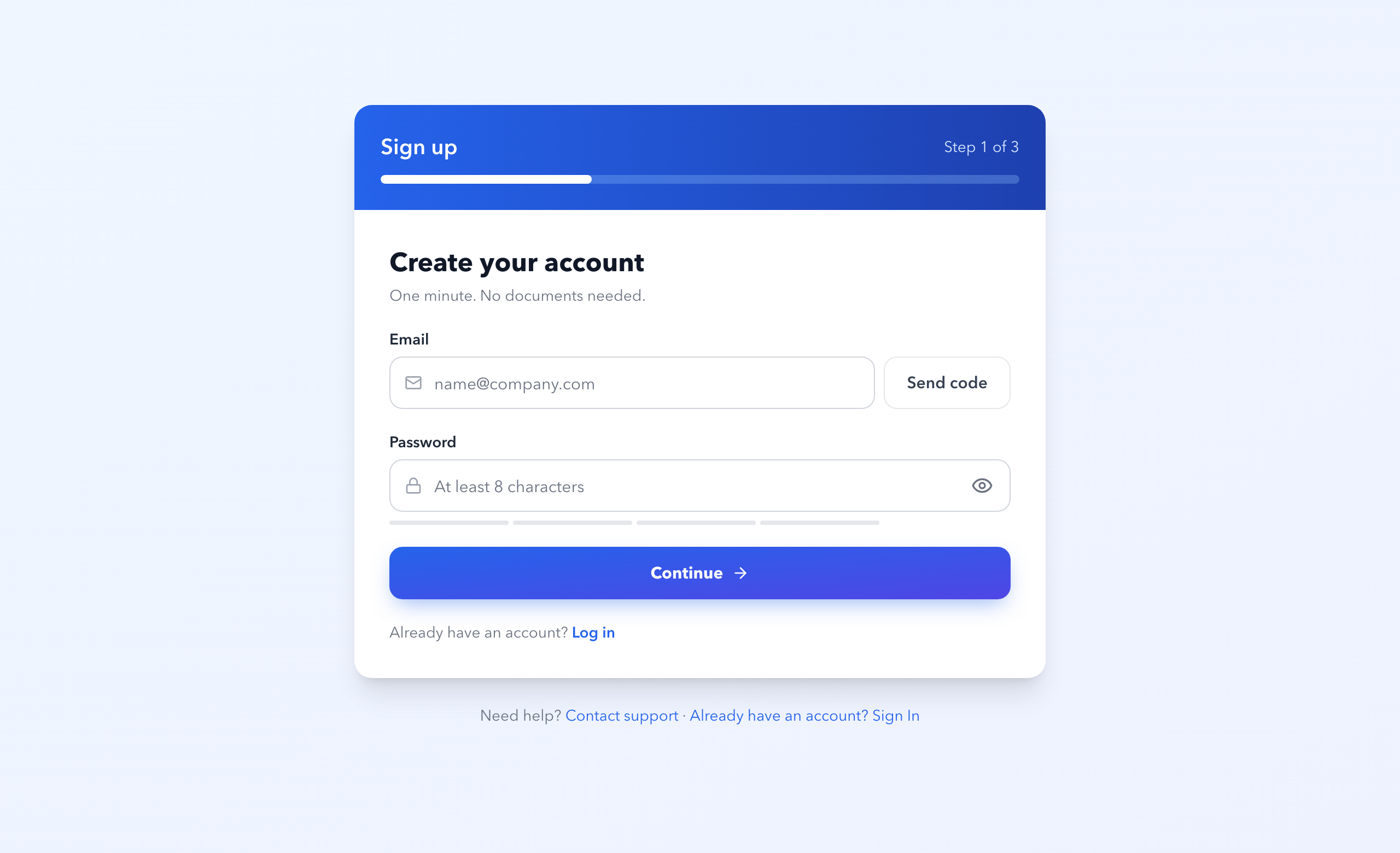
On a phone the form opens full screen. You are signed in from that moment. The button on the "Account created" screen takes you to what you chose as your first step: the map or the dashboard.
On the third step you choose what you do: shipowner or operator, broker, charterer or trader, forwarder, agent or terminal, compliance or insurance, crewing or seafarer, "I follow vessels". The role sets the order of the dashboard spaces and restricts nothing — you can change it in your profile.
The first step decides where you land after registration:
| Where we start | Where the "Account created" button leads |
|---|---|
| Track a vessel or a fleet | the dashboard, Fleet: the "Add your first vessel" screen |
| Find tonnage or cargo | the dashboard, Deals: My listings |
| Check a vessel: sanctions, PSC, history | the dashboard, Screening: Recently viewed and the vessel search |
| Just look at the map | the map |
If you were looking at a company or cargo page right before signing up, the dashboard opens in Screening or in Deals.
| An individual | A company | |
|---|---|---|
| Terms | in your name | with the legal entity |
| What to enter | citizenship, phone | country of incorporation, company name, registration number (optional), phone |
| What comes next | add a company in your profile at any time | verify the company in the account — partners see a badge; invite your team (on the ENTERPRISE plan) |
Neither an individual nor a company uploads documents at registration.
Your answers are kept for 24 hours. When you come back or reload the page, you only re-enter the password (the email is already verified) and land on the step where you stopped: name, country, company, phone, role and first step are all still there. The password itself is never stored, so you type it again.
The "Account created" screen survives a reload too: the account already exists, so you stay on it instead of starting over.
Some users still see the previous five-step form: email and code → personal details → role → company details → completion. An individual needs no tax ID there; a company enters its registration details — at least the name, registration number and address. The document upload in that form can be skipped.
Three ways, all on the same sign-in page.
Email and password — the usual route if you set a password.
An email code — the "Sign in with an email code" button. No password needed: enter your email, get a six-digit code, it lasts 30 minutes and works once. This is the route to use when you have no password: if you bought a document without creating an account, the account was created for you and nobody ever set a password on it — not you, not us.
Forgot your password — reset it by email if you had one but cannot recall it.
If your account was created by a purchase, the first sign-in asks for your country and your agreement to the documents: the country decides which document pack we must issue you. It is a single screen, and your purchased documents stay in the account throughout.
Message the author, build My Fleet, and post cargo or a vessel.
Most of the data is available without an account — you need one to act.
